CGFamily Studio

Maya to Unreal. The way studios actually do it.

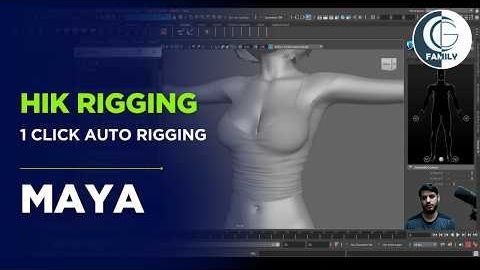
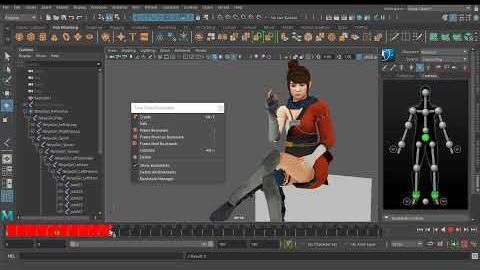
Animation, mocap editing and the whole pipeline, from someone who has spent 11+ years doing it at startups and MNCs, and taught it at MAAC.

  • MAYA
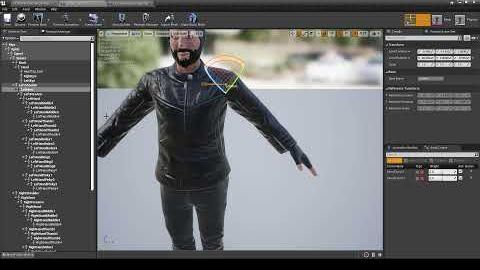
  • UNREAL ENGINE 5
  • MOTIONBUILDER
  • MARVELOUS DESIGNER
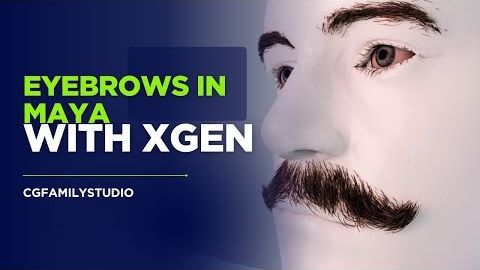
  • XGEN
  • MOCAP
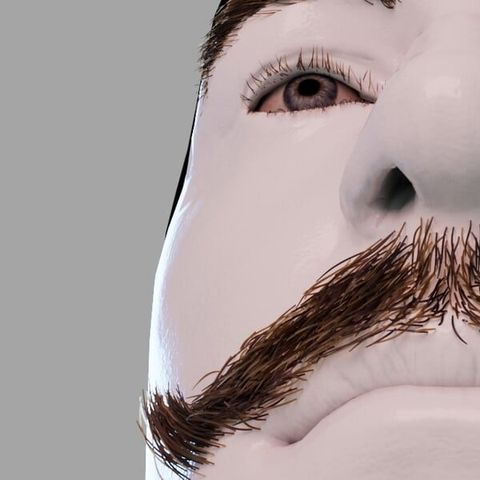
  • RIGGING
  • ANIMATION

One pipeline, not a pile of tips

Most tutorials teach one button in one program and stop there. Then you're on your own, working out how any of it connects to an actual job.

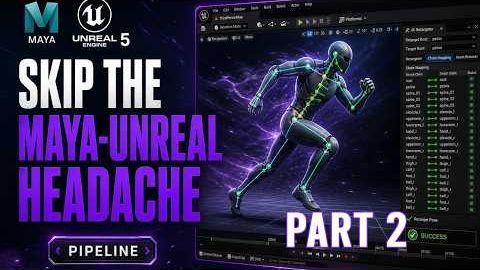
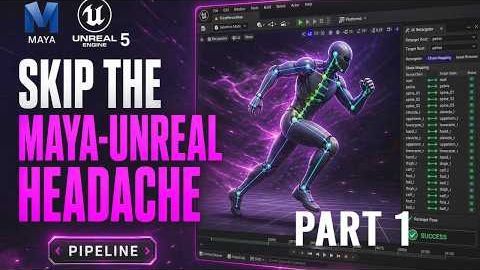
CGFamily Studio does it the other way round: the complete Maya to Unreal Engine pipeline, end to end, the way production studios run it. It's for working and aspiring 3D artists who are done collecting disconnected tutorials.

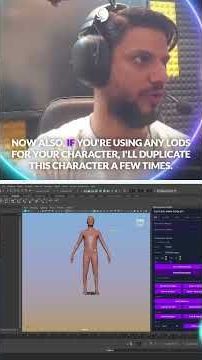
  1. Maya
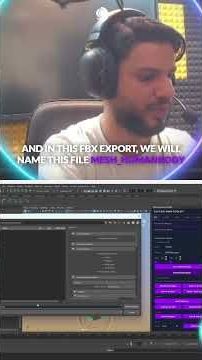
  2. FBX export
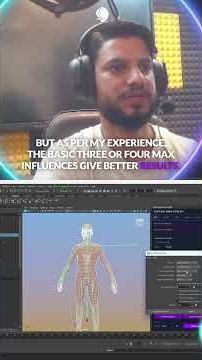
  3. IK Rig
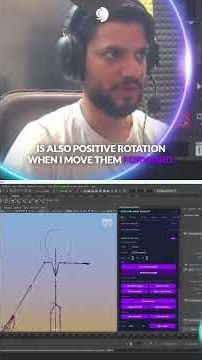
  4. IK Retargeter
  5. Unreal Engine 5

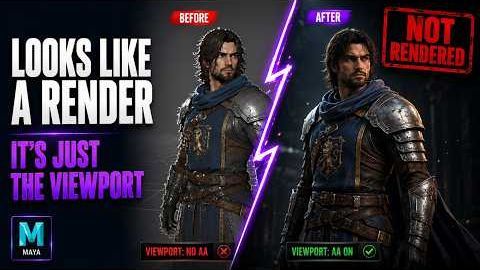
Same viewport, done properly

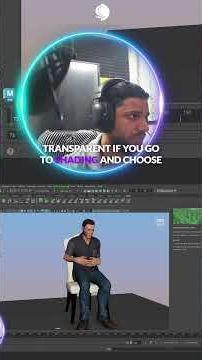
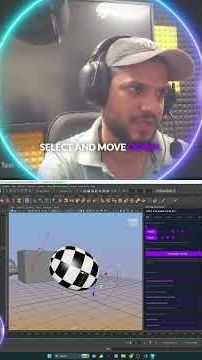
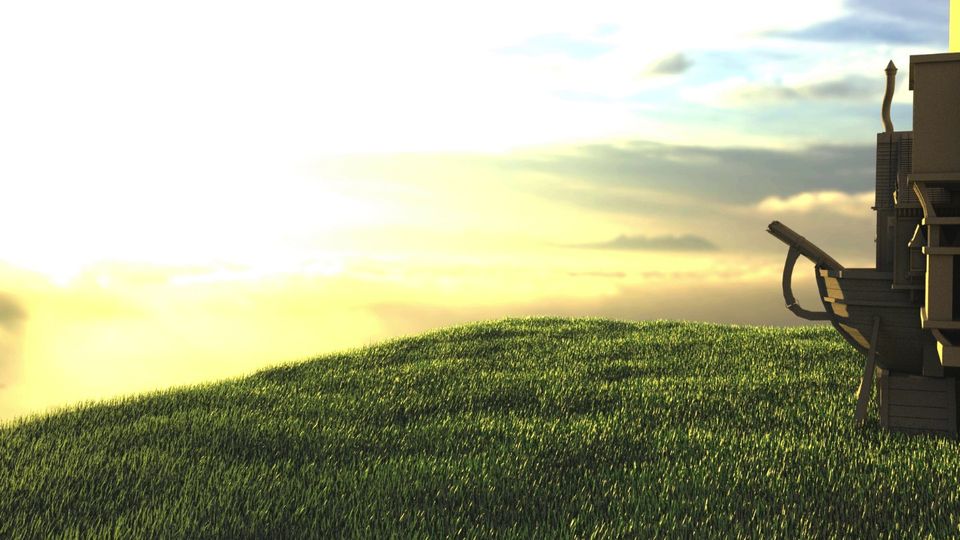
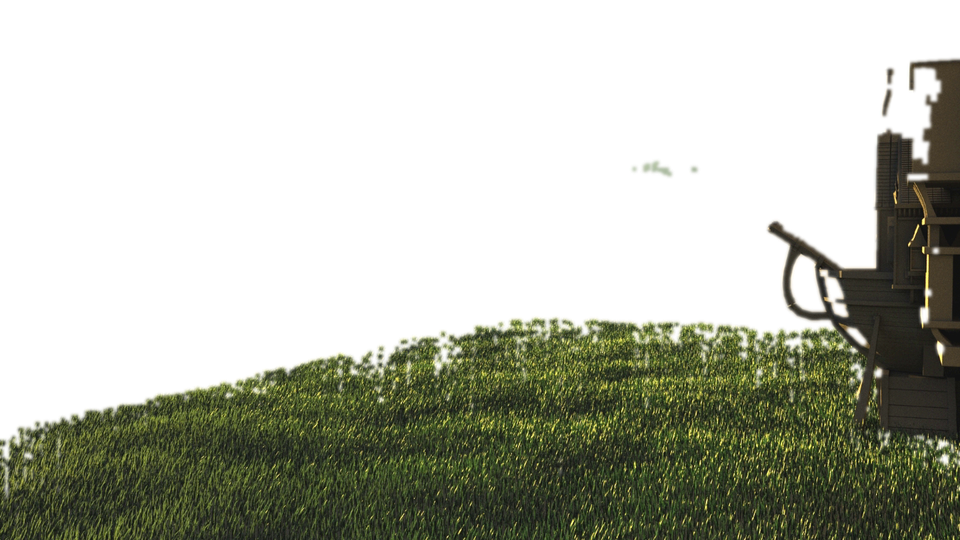
One camera, two states: the Maya viewport untextured, then with textures, ambient occlusion and anti-aliasing turned on. Drag the handle to compare.
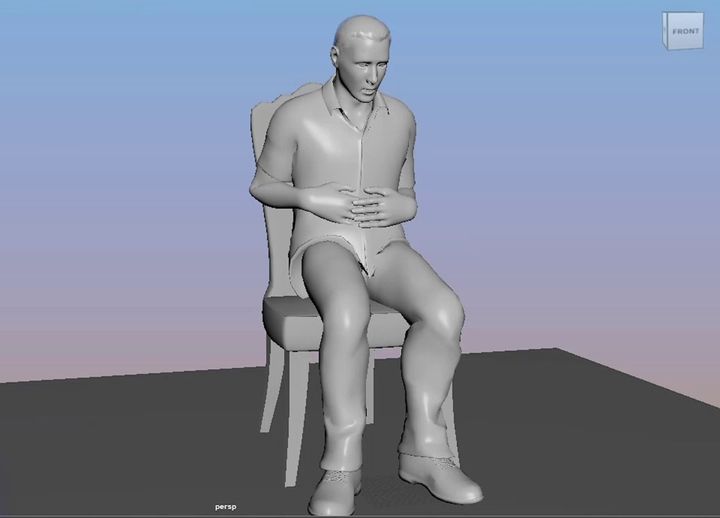
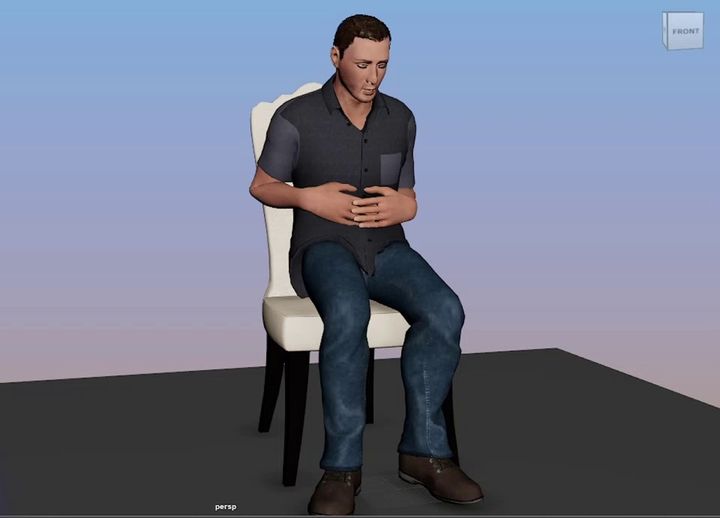
Before: Untextured viewport
After: Textures, ambient occlusion and anti-aliasing on

Watch the tutorial: Maya High-Quality Viewport

By the numbers

  • 57tutorials published
  • 11+years in 3D
  • 1.3KYouTube subscribers
  • 4free tools on Gumroad

What viewers say

  • Thank u soo much for helping us pls make more Vedio

    Anindya Shanker Viewer comment
  • That is really great. Thank you and love learning new stuff.

    FitStageMedia Viewer comment
  • An excellent tutorial. I like your tutorial, so easy to follow and we'll explained. Thanks for sharing

    Babayo Damisa Viewer comment
  • Really helpful. Thanks for sharing

    Jyoti Bala Viewer comment
  • You saved my exam 4 hours left from the project's delivery day. A HERO.

    @heysbru YouTube comment
  • Thank you for this simple and concise video. I really do appreciate you simplifying things.

    @Charely1925 YouTube comment
  • BIG THANKS! I locked and hidden my own attributes and got into trouble.. :D

    @autentikum YouTube comment
  • Thank u so much for this. This saved my short film!!!!

    @garbagiogirl YouTube comment
  • This is just what I was looking for. Thank you very much :)

    @bluepinkgremlins YouTube comment
  • An excellent tutorial. I like your tutorial, so easy to follow and we'll explained. Thanks for sharing

    @babayodamisa2655 YouTube comment
  • Perfect, I'm animating propellors with my students and the axes kept messing up. Very thankful for this simple but excellent tutorial. I love YouTube and the kind people on it :)

    @chrisjhart YouTube comment
  • Thank you so muchhhh.. I was trying to correct it for 5 hours above. U just made it in 1 min.. Thank you..

    @GM.Kiirthu21 YouTube comment
  • God I love tutorials like yours. Thank you so much for not making the tutorial unneccessarily long !

    @kieranm7469 YouTube comment
  • This was very useful, bonus: short to the point. Thank you!

    @digitalzenith6527 YouTube comment